
 Call · +33 7 64 19 77 90
 Prepare an email
Your needs
Tell me which device you use and what is going wrong.
IP Depannage Informatique · Contact and appointments
A computer, connection or device causing problems? Tell me what is happening. Together, we can choose suitable support: a home visit around Sisteron or remote assistance in France.
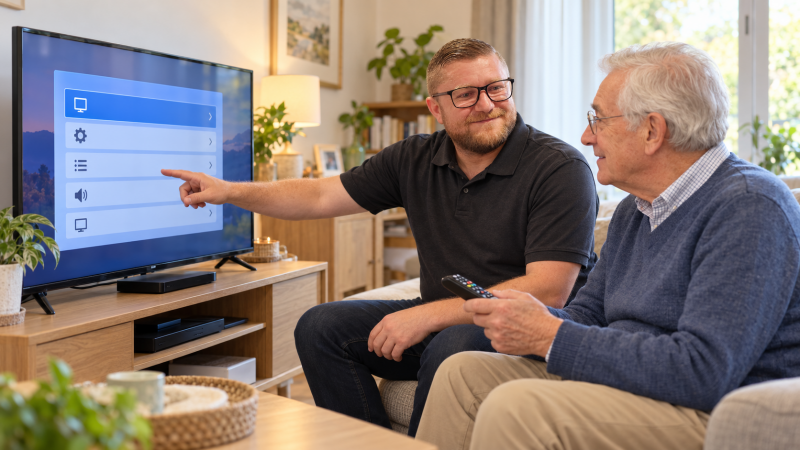
Tell me which device you use and what is going wrong.
We check the options for remote support or a home visit.
Choose a time; I confirm your request after reviewing it.
Your appointment
Choose a date and time from the availability shown in the calendar.
Your appointment is confirmed once your request has been approved.
Check the calendar’s time zone before choosing your appointment.
Open the calendar in a new tabUse the email template to describe the situation. Add the relevant information in your own email app, then send the message yourself.
Copy the address and template into your usual email service.
contact@depannageinformatiquesisteron.comNever send passwords or verification codes by email.
Call me to discuss what you need before arranging support.
No suitable time available? Call me to discuss another possibility.
Practical information to explain the problem, choose suitable support and plan our conversation.
 Before you get in touch
A few useful details to help me understand the situation from our first conversation.

Tell me which device is affected, what has stopped working and when the problem began. If you see an error message, write it down or prepare a clear photo with personal information concealed.
Keep the device nearby and have its power supply ready. For a connection or account issue, prepare the information needed for our conversation without sending passwords in writing.
 Remote support or a home visit
The best approach depends on your device, the problem and any physical work required.

When your device, internet connection and the issue allow it, I can help remotely in France using IP Assistant Remote Control. The connection is made with your consent, the steps are explained and the result is checked with you.
Around Sisteron, within my service area in Alpes-de-Haute-Provence and Hautes-Alpes, a home visit can be arranged for connections, installation or other physical work. Travel arrangements and the available options are discussed before the appointment.
Feasibility is checked before support begins. If you live outside France, please contact me first to confirm the technical requirements and appointment availability.
 Hours and contact details
Contact Ioan directly to arrange your support.
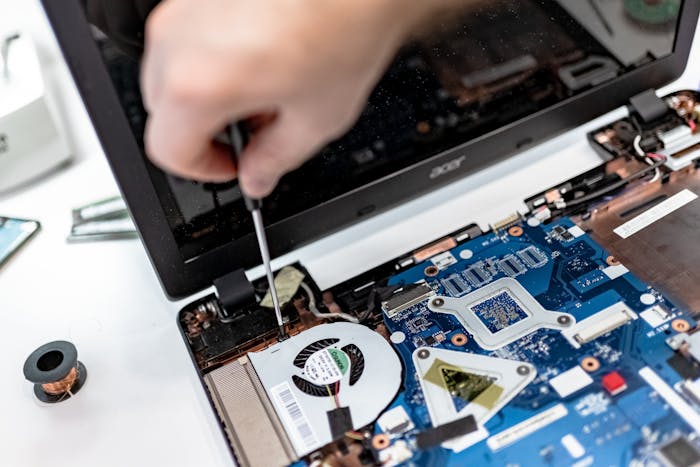
Call +33 7 64 19 77 90 or email contact@depannageinformatiquesisteron.com. The calendar shows the appointment times currently available.
IP Depannage Informatique — 11 rue de la Mission, 04200 Sisteron — SIREN: 801 385 907. This is an administrative address and is not open to the public. Support takes place at your home within my service area, or remotely when feasible.
 Before your appointment
Helpful answers about booking, preparation and confidentiality.

Describe the device, the problem, when it started and any error message. Include your town, the steps already tried and whether you prefer remote support or a home visit.
Yes. Choose a time from the calendar, complete your request and wait for approval. Your appointment is confirmed once your request has been approved.
Call or email me with a description of the problem and your availability. We can check whether another arrangement is possible.
Yes, when your device, internet connection and the problem allow it. Support using IP Assistant Remote Control is provided with your consent. The steps are explained and we check the result together.
No. The address at 11 rue de la Mission is the company’s administrative office and is not open to the public. Support is provided at your home within my local area, or remotely when feasible.
No. Never send passwords, verification codes or bank card details by email. Sensitive information stays under your control.
Home visits are available in my service area around Sisteron, in the 04 and 05 departments. Remote support is available to customers in cities, towns and villages across France when the problem and internet connection allow it.
 Weather in Sisteron
Indicative weather data: Open-Meteo
 Time in France
Europe/Paris · Local time with seasonal clock changes
Describe the situation, ask your questions and agree on the next steps: a useful conversation before support begins.